
How It Works
STEP1
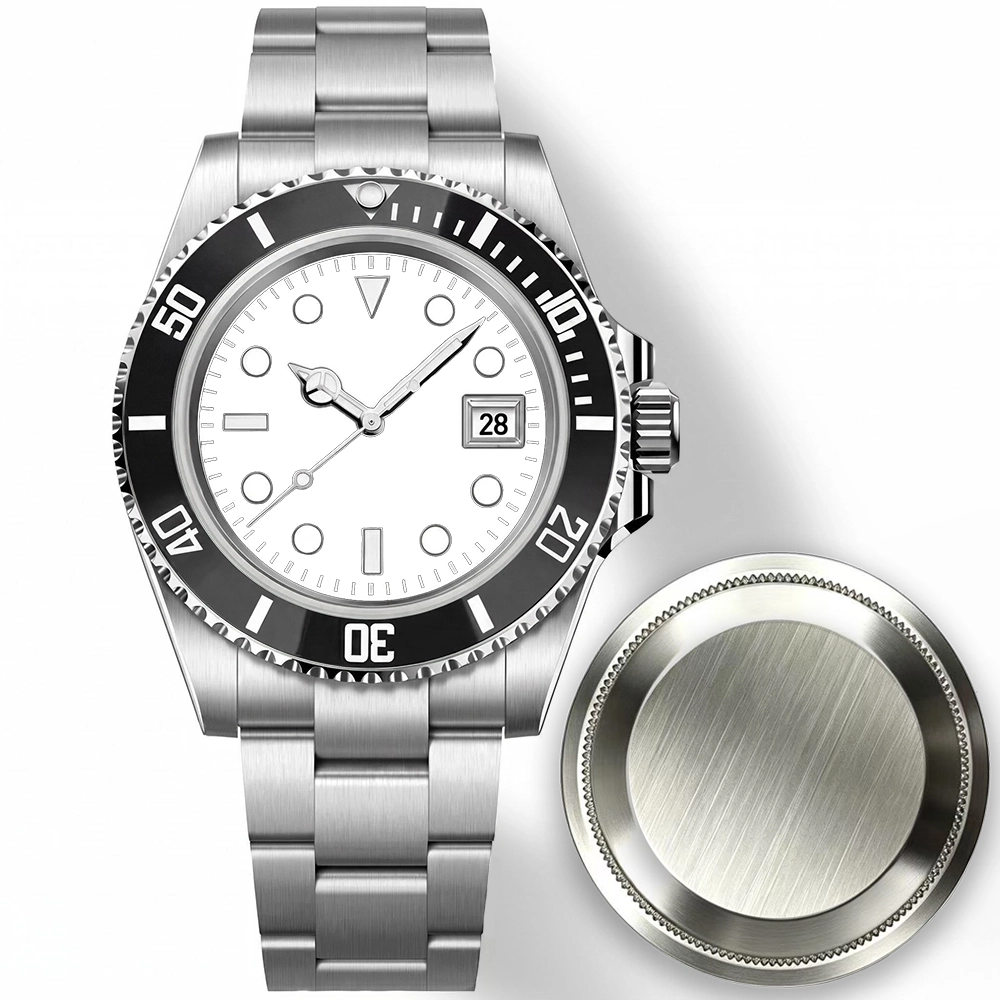
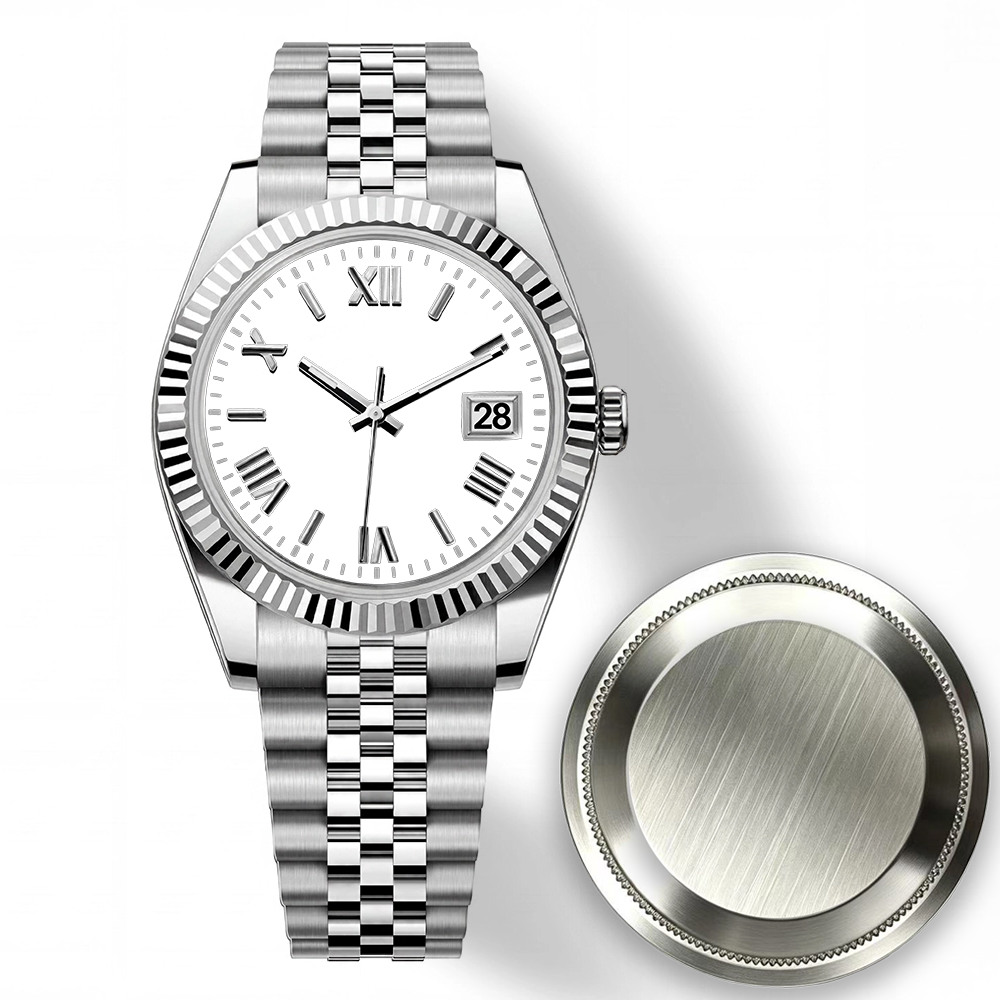
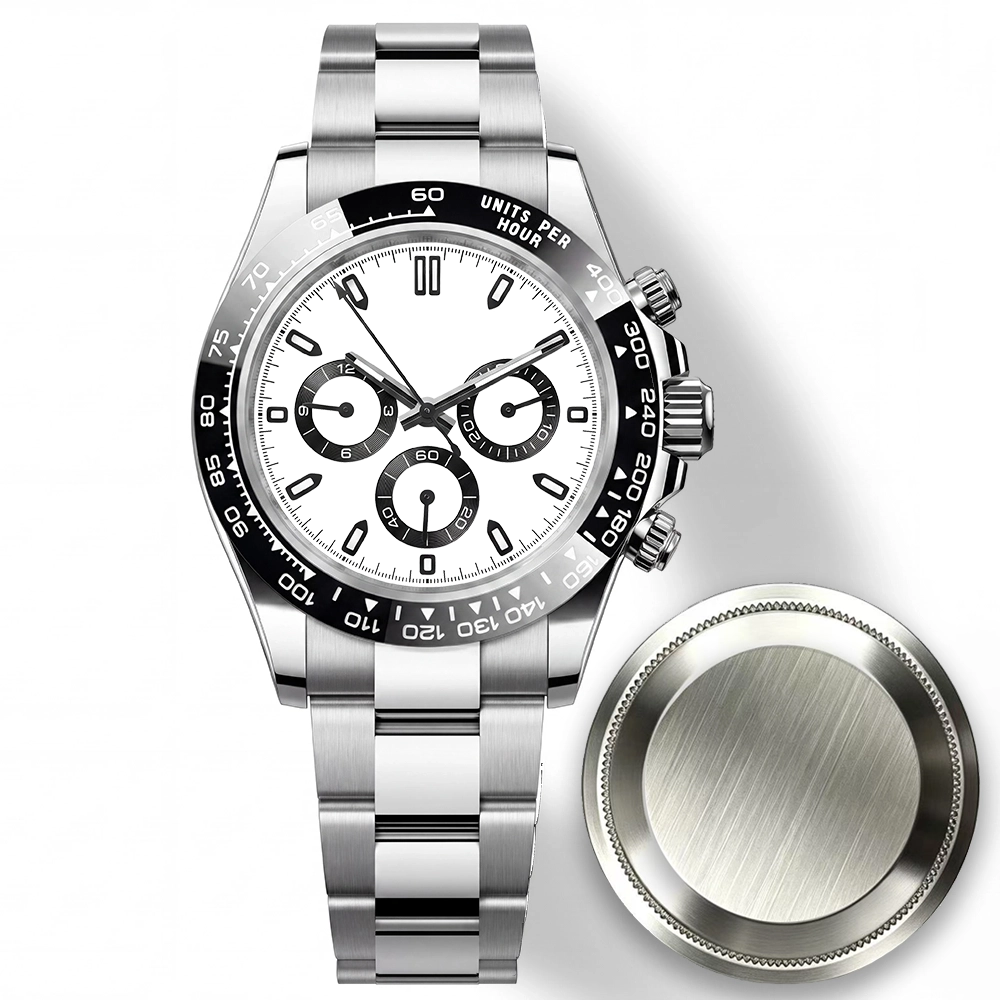
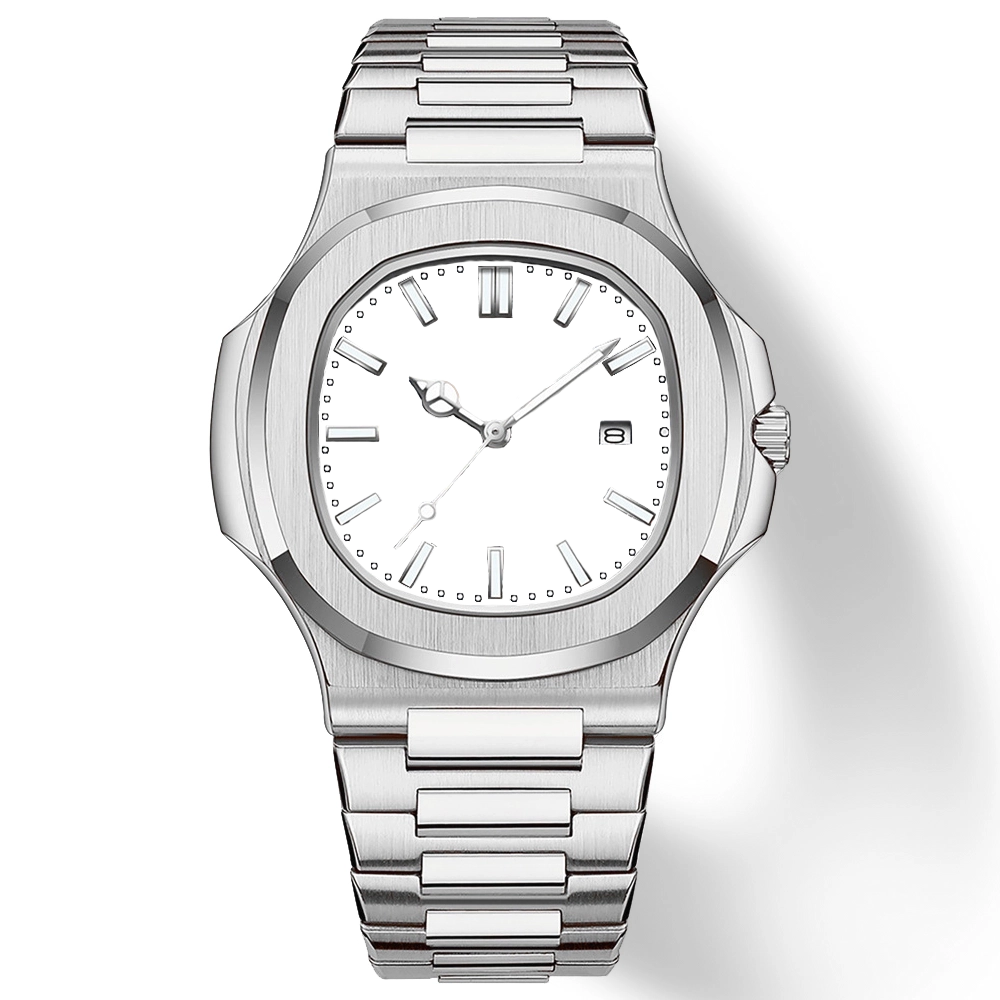
CHOOSE YOUR WATCH
Choose the style you like. Click a watch to upload and preview your photo.
STEP 2
UPLOAD YOUR PHOTO
Choose a clear photo from your phone or computer.
No payment is needed to try it.

STEP 3
ADJUST&PREVIEW
Move, zoom or rotate your photo until it looks right.
Tap the green check to see it on your watch.
